
1xBet App UK
Mobile is the default way people use this platform, and there are three separate routes onto it: an Android APK downloaded from the operator's own pages, an iOS build, and a mobile web version that needs no installation whatsoever.
This page covers what each route involves, how sign-up and login work on a phone, the security settings worth switching on before your first bet, and the honest caveats — including the one that never changes: there is no UK Gambling Commission licence behind this operator, so no UKGC complaints route and no GamStop coverage. The full position sits in our independent review. 18+ only, T&Cs apply.
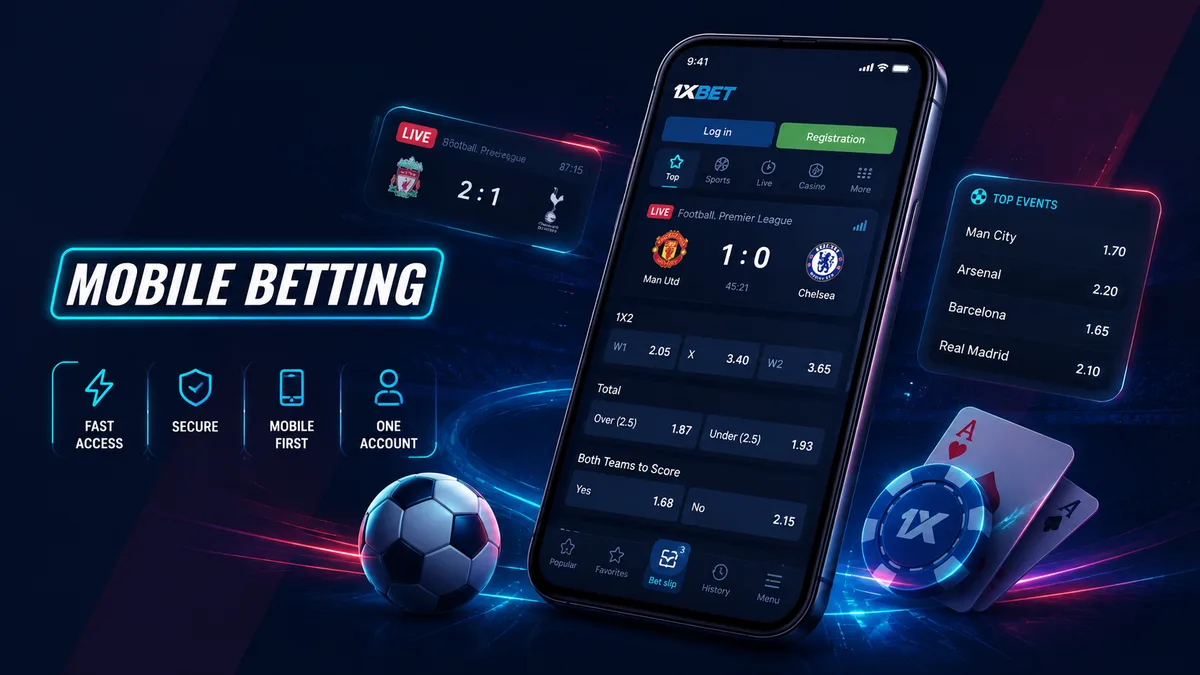
1xBet Mobile Betting
Bet from your phone with fast access to sports, live markets and casino. Choose the mobile option that works best for your device.
- Android App — access betting from your Android device.
- iPhone Access — use the available mobile option for iOS.
- Mobile Web — open 1xBet directly in your browser.
- One Account — use the same login across mobile access.
- One Balance — sportsbook, casino and games stay in one account.
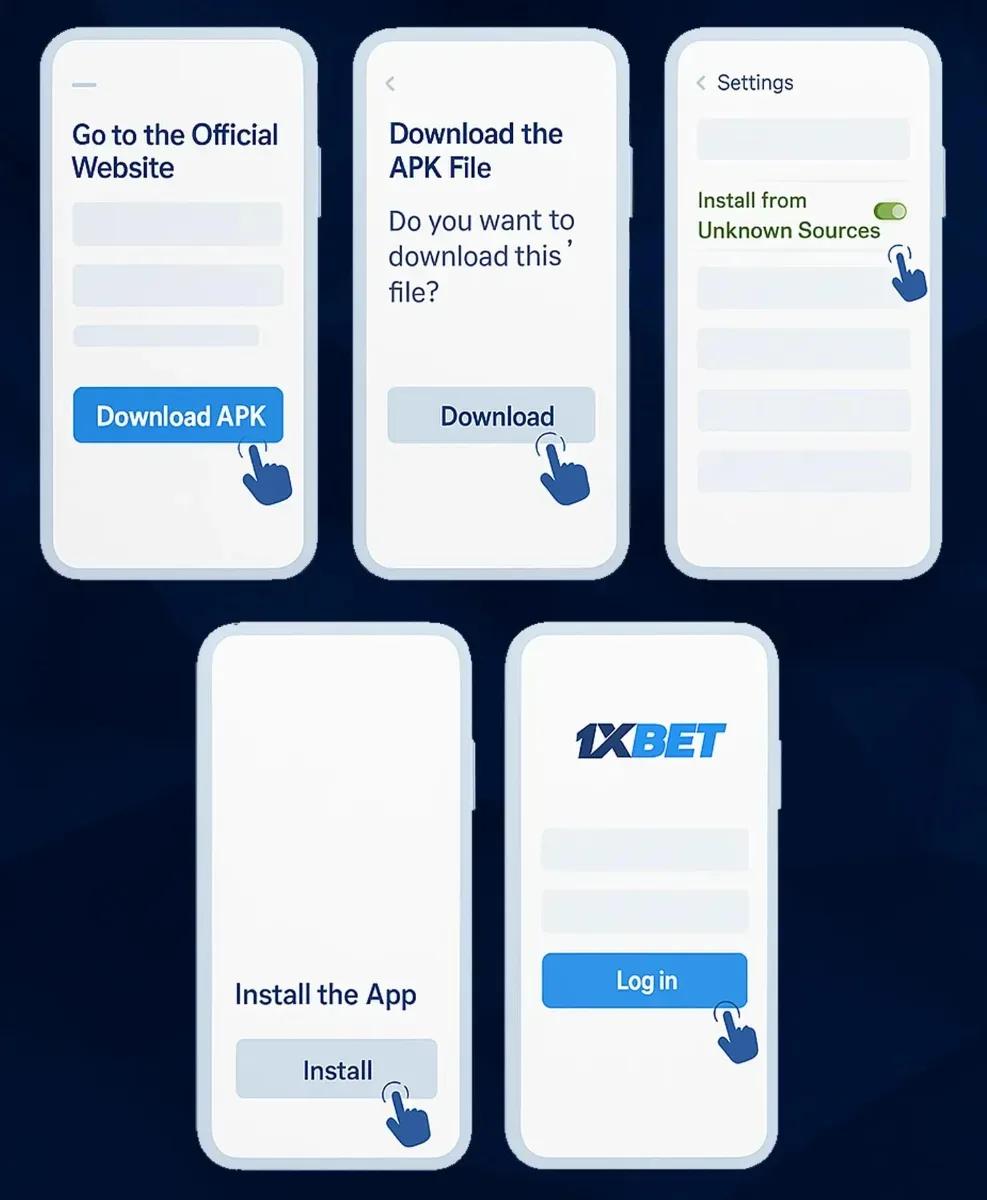
1xBet Android APK
Download the Android version only from the operator’s official page. Check the source, permissions and current version before installing.
- Download only from the operator's own pages, reached through a working domain.
- Enable install from unknown sources for the browser doing the download, then switch it back off.
- Check permissions at install time instead of accepting blind.
- Expect manual updates — there is no Play Store patching in the background.
- Uneasy about any of it? Use the mobile web version.
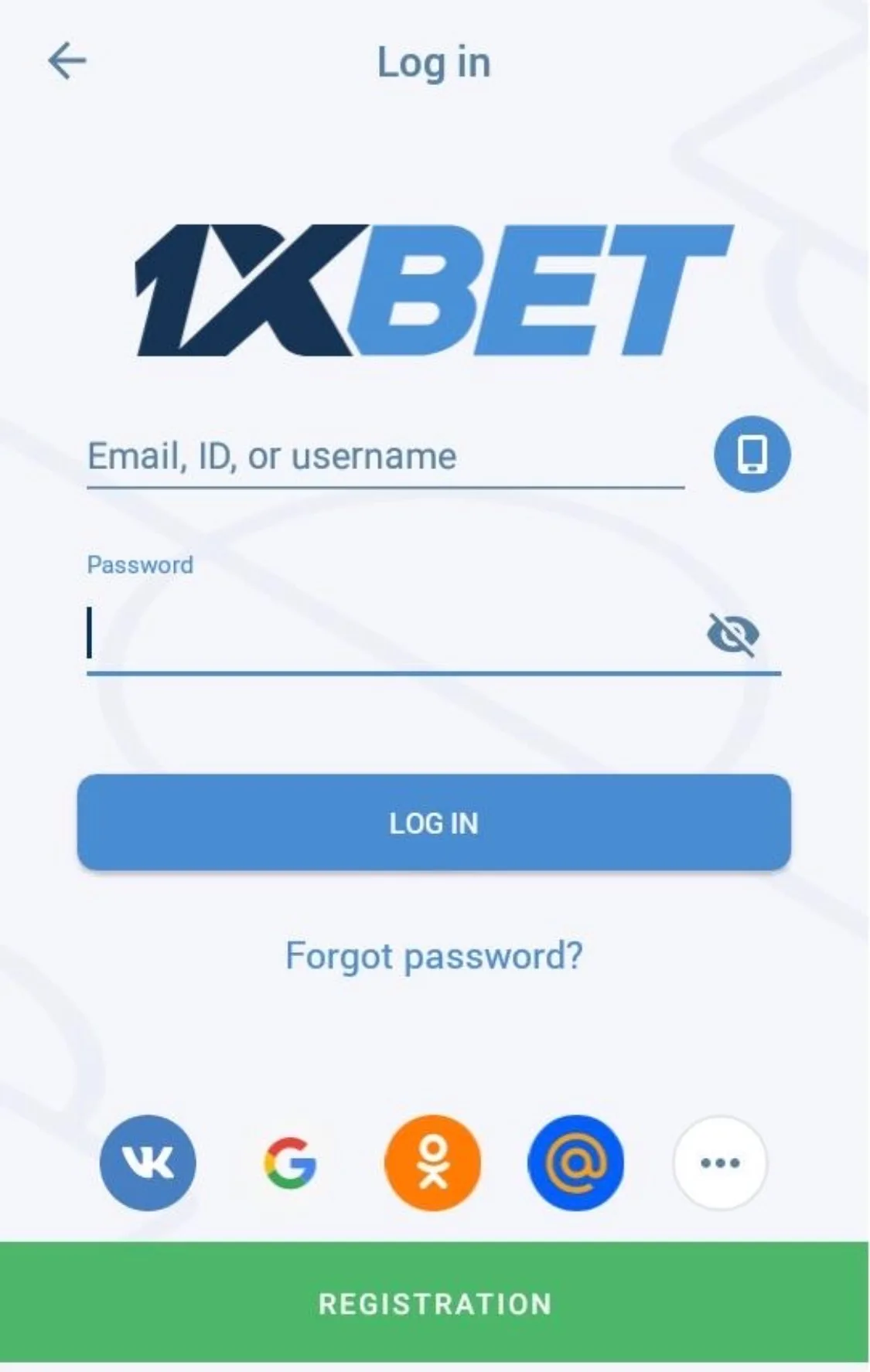
App Registration & Login
Sign-up works the same on a phone as on a desktop, with the same four routes: one-click, phone number, email or a linked social profile. The currency dropdown is still the field that matters most — choose GBP and it stays GBP forever, because account currency cannot be changed after creation. Our step-by-step sign-up guide shows exactly where that field and the optional promo code box sit on the form.
If you registered with one-click, save the auto-generated username and password somewhere safe the moment they appear. A lost auto-generated password with no email attached turns a two-minute login into a support ticket.
Login itself is straightforward: credentials, or the phone number and password combination if you signed up by SMS. Where an account has been opened via one-click, the profile fields left blank at sign-up — name, date of birth, address — still have to be completed before a withdrawal is released, and the app handles that just as well as the desktop site.
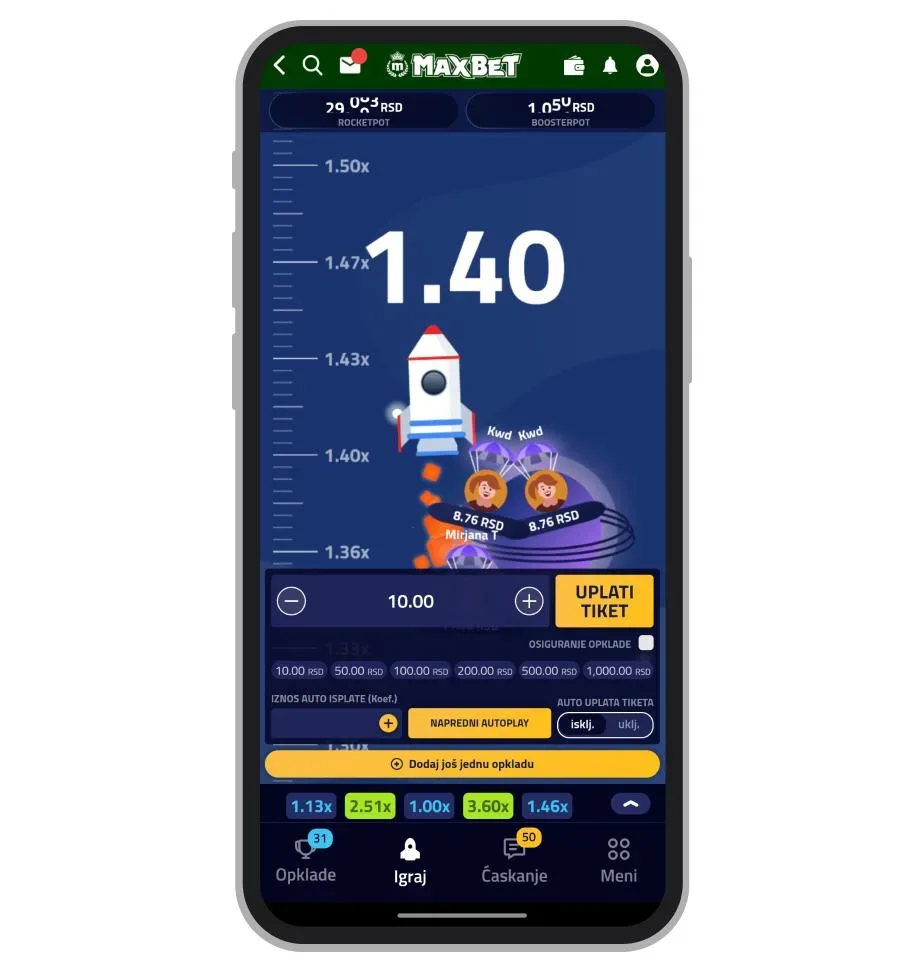
1xBet App Features
The 1xBet app gives mobile users access to sports betting, live markets, casino games, account settings and bet history from one interface. The same account can be used across mobile and desktop access.
Users can follow live odds, manage bets, review account activity and access available payment features directly from a smartphone. The exact functions can vary by device, app version and region.
- Live sports betting
- Casino and live games
- Bet history
- Account management
- Deposits and withdrawals
- - Bonuses and promotions
1xBet App Safety & Limits
Two-factor login is optional here, which means nobody will nag you into enabling it. Do it anyway, along with a password you have not reused on anything else. Connections run over SSL, but that protects the data in transit, not an account someone can simply log into.
The more important settings are the spending ones. Open account settings before your first bet and set a deposit limit plus a session reminder. Thirty seconds of work, and it is the only spending control that will not be quietly reversed by one good Saturday.
A word on notifications: promotional pushes are designed to pull you back into the lobby, and on a phone that lives in your pocket they are relentless. Mute them separately from goal alerts. And if the crash lobby is what brought you here, understand that rounds last seconds on mobile too — the pace is the product.
One structural caveat the app cannot fix: without a UKGC licence there is no Gambling Commission complaints route, no UK player-protection cover on balances and no GamStop block. Bank-level gambling blocks and device software such as Gamban work regardless of licensing. Free confidential help is available from GamCare on 0808 8020 133 and BeGambleAware.org.
FAQ
Is the 1xBet app on Google Play?
No. Play policy restricts real-money gambling apps in many markets, so the Android version is an APK downloaded from the operator's own site. Updates arrive as fresh downloads rather than automatic Play Store patches.
Do I have to install anything to bet from my phone?
No. The mobile web version runs the same account in a browser with no installation at all, and handles deposits, withdrawals, document uploads, bet history and live streaming just like the apps.
Can I register a new account inside the app?
Yes — the same four routes apply: one-click, phone number, email or social login. Choose GBP as your currency at that point, because it cannot be changed afterwards.
Can I verify my identity from a mobile?
Yes. Photo ID and a proof of address dated within three months can be uploaded from the phone. Photograph the original document with all four corners visible rather than screenshotting a PDF.
Does the app cover GamStop self-exclusion?
No. GamStop only applies to UKGC-licensed operators, so it does not block this platform on any device. Bank gambling blocks and blocking software such as Gamban work independently of licensing.
Set the limits, then open the app
One account across Android, iOS and mobile web, GBP balance, full verification from the phone — and no UKGC licence behind any of it. If you accept that, sign up and set a deposit limit first. 18+ only. T&Cs apply.
Sign In and Set Your Deposit Limit